If you’re choosing a smart home hub before summer, the wrong pick gets expensive fast. Home Assistant and SmartThings may look close on paper, but they shine in very different real-world setups.
| Platform | Best For | Setup Time | Strength | Trade-Off |
|---|---|---|---|---|
| Home Assistant | Power users and rental hosts | 45-120 min | Local control and custom automation | Steeper learning curve |
| SmartThings | Beginners and gift buyers | 15-30 min | Easy setup and cleaner app | Less granular control |
01 Prime Day 2026? Start with the one question that saves money
Ever buy a smart home gadget at 2 a.m. and realize three days later it doesn’t play nicely with the rest of your setup? That’s exactly why this comparison matters. If you’re shopping Prime Day 2026 deals, hunting a Father’s Day gift, or setting up a summer rental, the short version is simple: Home Assistant wins on control and privacy; SmartThings wins on speed and ease.
I’ve tested both styles of hubs over the years, and the difference feels a lot like driving stick versus automatic. One gives you fine control. The other gets you moving fast with less fuss. For readers weighing cameras, locks, sensors, and lights,
read more about smart home security basics
will help you avoid a few expensive mistakes.
The best hub isn’t the one with the longest feature list. It’s the one you’ll actually keep using in six months.
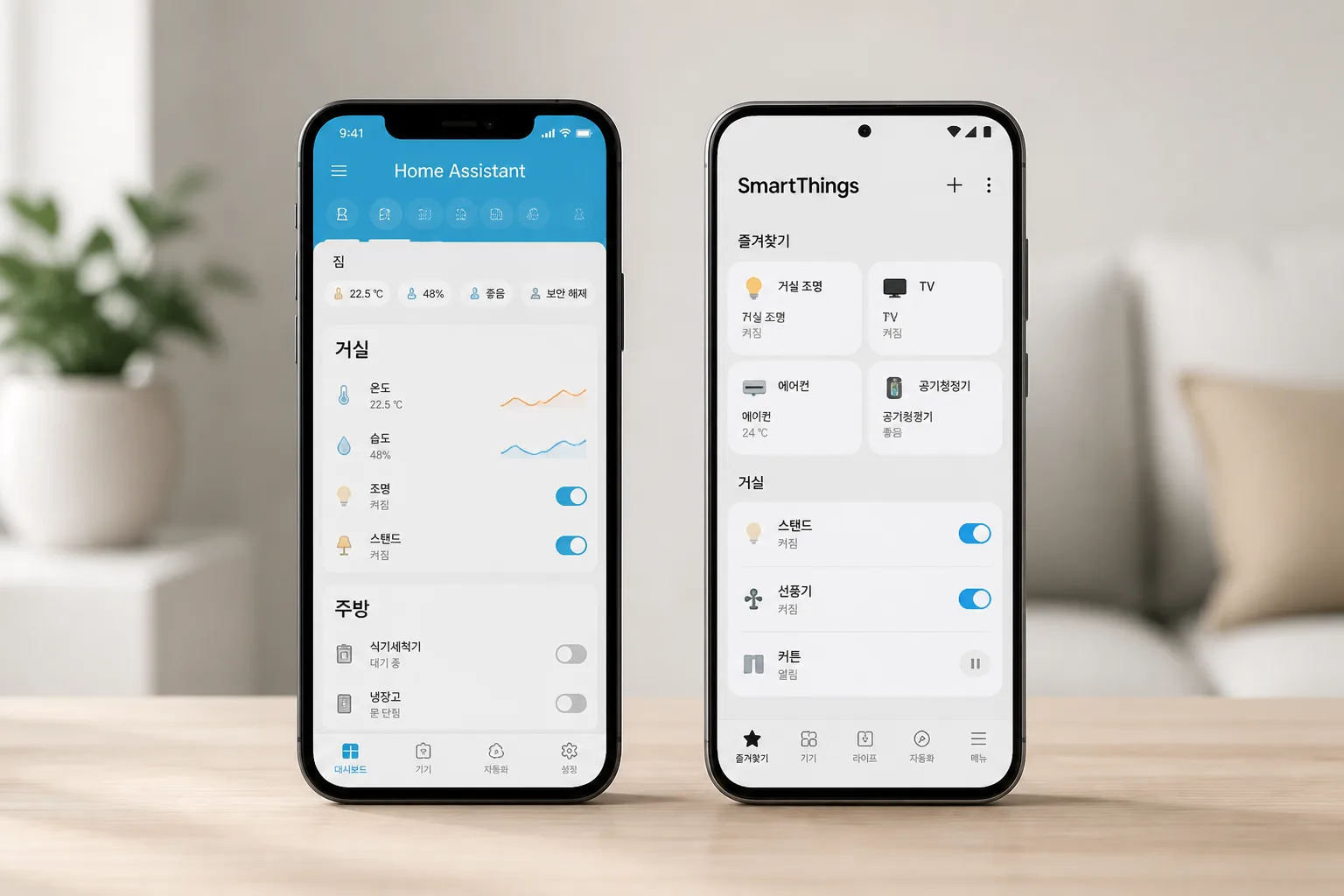
Before you hit Buy Now, the trade-offs get sharper once gifts and rentals enter the picture.
02 What you’re really buying: freedom or convenience
Home Assistant usually runs on local hardware like Home Assistant Green, a Raspberry Pi, or a mini PC. That means more of your automations keep working even if the internet drops at 11 p.m. SmartThings, backed by Samsung, leans harder on a polished app and easier onboarding, which is great if Dad wants smart lights set up in 20 minutes, not a weekend.
Here’s the quick comparison:
- Home Assistant: local control, deeper automations, broader tinkering room
- SmartThings: cleaner setup, strong mainstream device support, easier family sharing
- Best for renters/hosts: Home Assistant, especially with locks, motion rules, and occupancy logic
- Best for gifts: SmartThings, because fewer people want a new hobby on Father’s Day
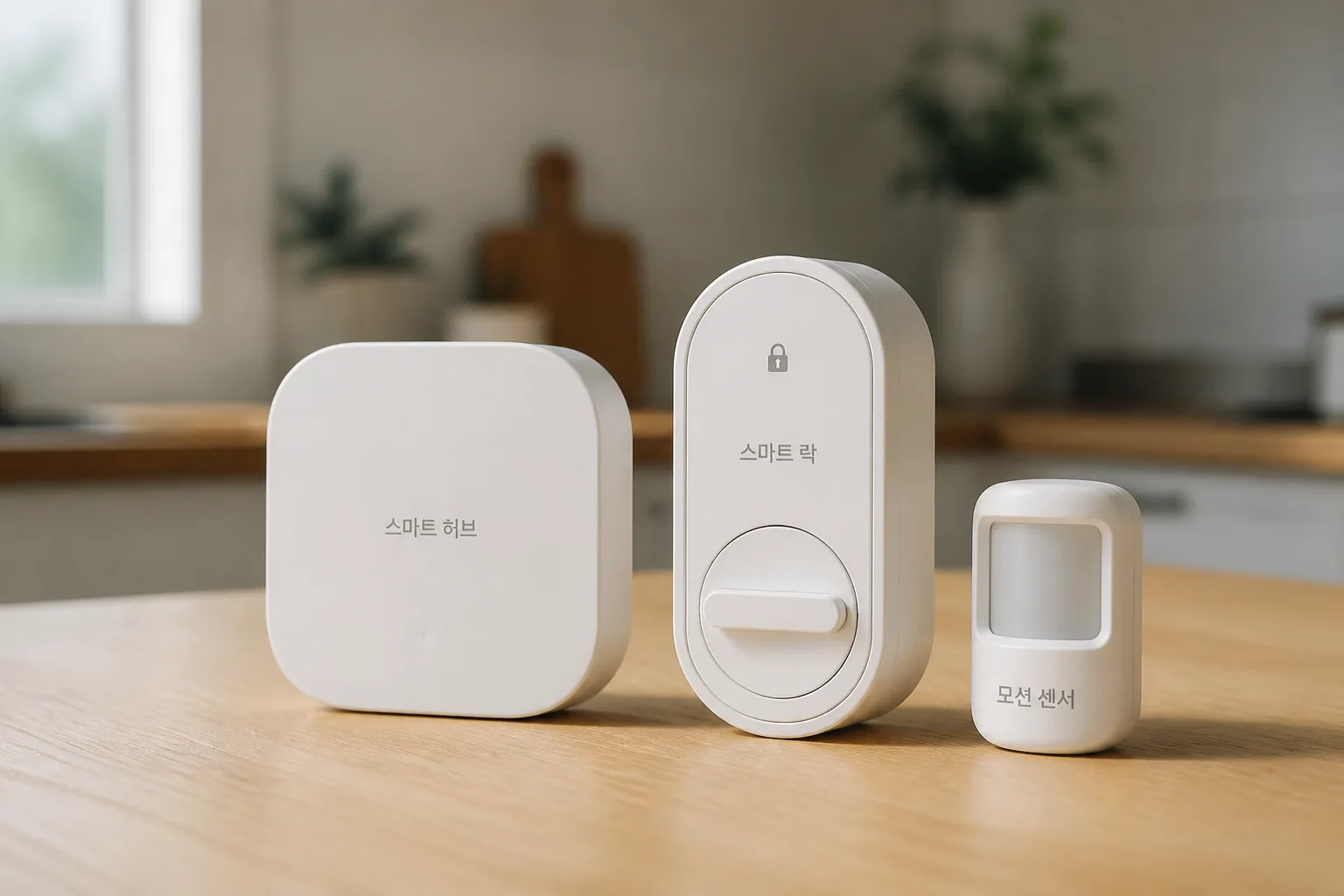
That convenience gap sounds small at checkout. In real life, it changes everything.
03 Father’s Day gifts: the dad test is brutally honest
A friend of mine gave his father a Home Assistant setup last June with Zigbee bulbs, a dashboard tablet, and presence sensors. Cool idea. Three weeks later, his dad called and asked why the hallway lights stopped following the bedtime routine after a router reboot. Sound familiar?
For gifting, SmartThings is usually the safer pick. The Samsung app is familiar, device pairing is smoother, and routines like “Away,” “Good Night,” and door alerts feel approachable on day one. If the gift is for a tinkerer, though, Home Assistant lands harder. You can build custom dashboards, local voice control, and automations that feel almost absurdly specific.
A great gift should feel useful by Sunday afternoon, not confusing by Monday night.
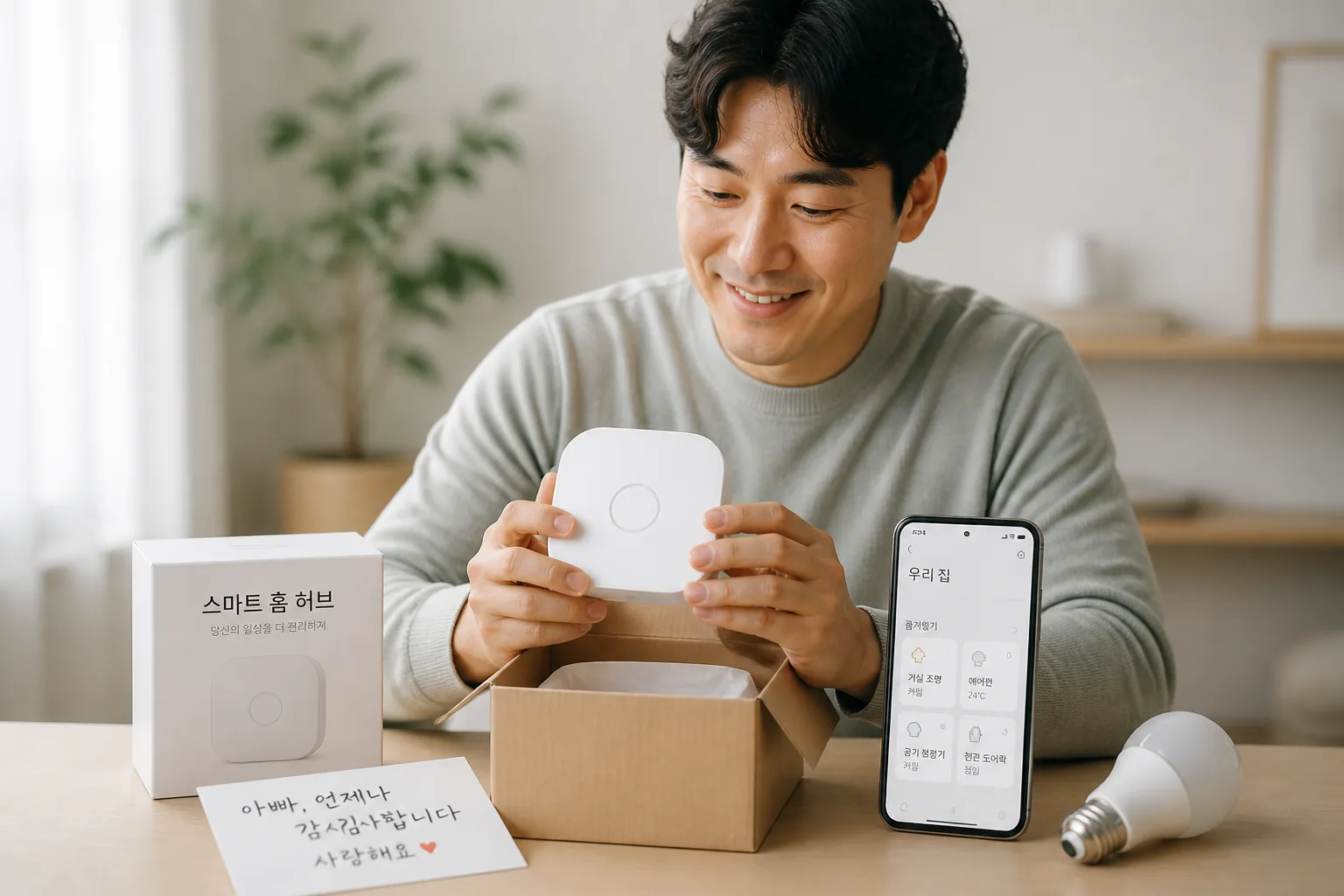
The rental angle is where the gap gets even wider, and honestly, that surprised me.
04 Summer vacation rentals are where Home Assistant pulls ahead
Picture a July beach condo in Destin or Myrtle Beach. Guests check in at 4 p.m., leave doors open, crank the AC to 68, and forget the porch light all night. In that setting, Home Assistant has the stronger case because you can combine door sensors, thermostats, occupancy timing, leak alerts, and lock states into one local rule set.
SmartThings can handle plenty of this, especially for basic scenes and alerts. But hosts usually need tighter logic: if no motion for 45 minutes, exterior door locked, and temperature under 72, then switch to eco mode. That’s Home Assistant territory. Period.
see our guide on vacation rental tech checklist
and
related: smart thermostat settings that cut utility bills
are worth a look before summer bookings spike.
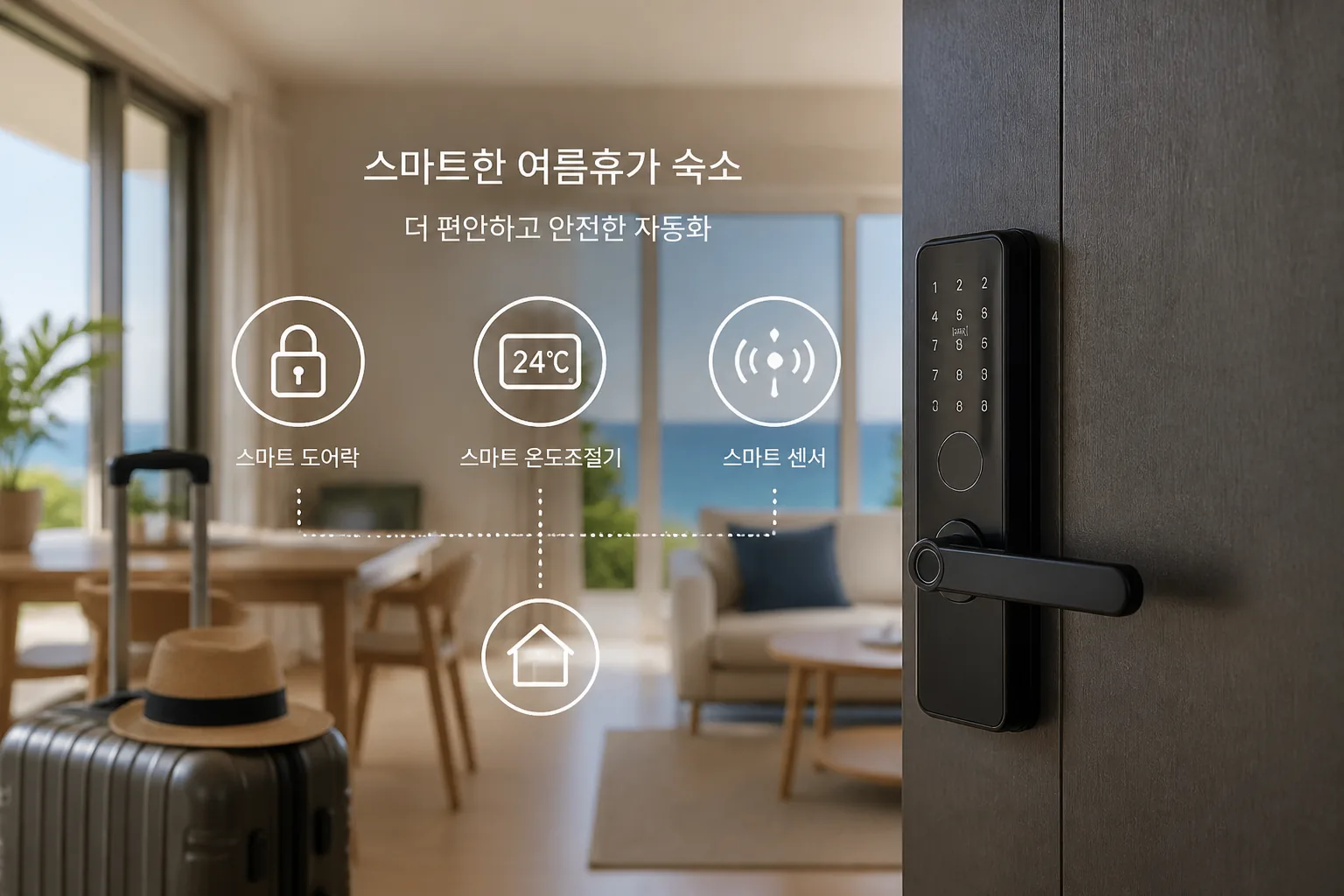
Quick recap:
- Buy SmartThings for easier gifting and faster setup.
- Buy Home Assistant for privacy, local control, and rental automation.
- Skip impulse bundles unless device compatibility is confirmed first.
The last step is knowing what to do today, not next month.
05 My shortlist before Prime Day goes live
If you want the cleanest recommendation, here it is. Pick SmartThings if the buyer values simplicity, uses Samsung gear, or wants a gift that works fast. Pick Home Assistant if the buyer cares about privacy, hates cloud dependence, or runs a short-term rental where automation can protect revenue.
Three things to do today:
- Make a list of the 5 devices you already own.
- Check whether they support Matter, Zigbee, Z-Wave, or Thread.
- Decide whether this hub is a gift, a hobby, or a business tool.
Oh, and one more thing: don’t let Prime Day pricing make the decision for you. A $40 discount disappears fast if the hub doesn’t fit your life.
read more about Prime Day smart home deals strategy
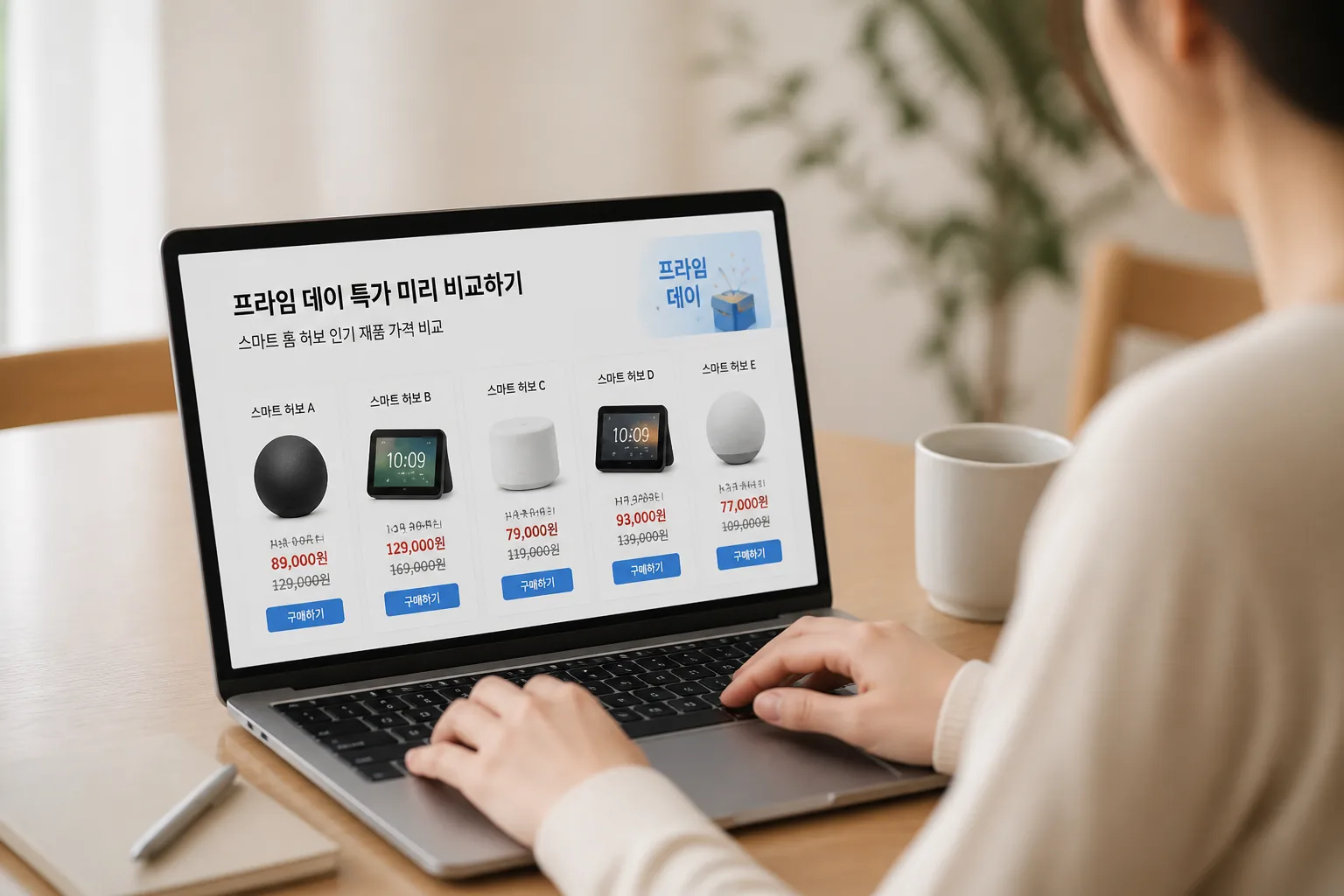
That’s the real shortlist for 2026—less hype, better fit, fewer regrets.