Trying to find a Father’s Day gift that feels useful, not random? A few smart home picks under $100 can make Dad happy now and help protect the house before summer travel.
| Device type | Typical price | Best coverage | Main feature | Watch-out |
|---|---|---|---|---|
| Indoor camera | $25-$40 | Living room or hallway | Live view and motion alerts | Cloud storage fee |
| Door sensor kit | $20-$40 | Doors and windows | Instant open/close alerts | May need a hub |
| Smart plug | $10-$25 | Lamps and small appliances | Schedules to mimic occupancy | Needs stable Wi-Fi |
| Budget video doorbell | $60-$99 | Front porch | Visitor and package visibility | Wiring or subscription |
| Motion sensor | $20-$35 | Entry halls or garages | Movement notifications | Placement matters |
01 The under-$100 smart home picks that actually earn a spot
Ever bought a Father’s Day gadget that felt clever for 10 minutes and useless by July? That’s the trap here. Smart home gear under $100 can be genuinely helpful, but only if it solves a real problem: checking the front door from the airport, spotting motion in a rental cabin, or turning lamps on while the house sits empty for 9 days.
I’ve tested enough budget devices to know the pattern. The cheap sticker price grabs you, then the app is clunky, the setup takes 45 minutes, or the cloud plan adds another $4.99 a month. What matters is total cost, setup time, and whether Dad will actually use it. For related ideas, see
read more about smart home setup basics
.
A good budget device doesn’t try to do everything. It handles one job well.
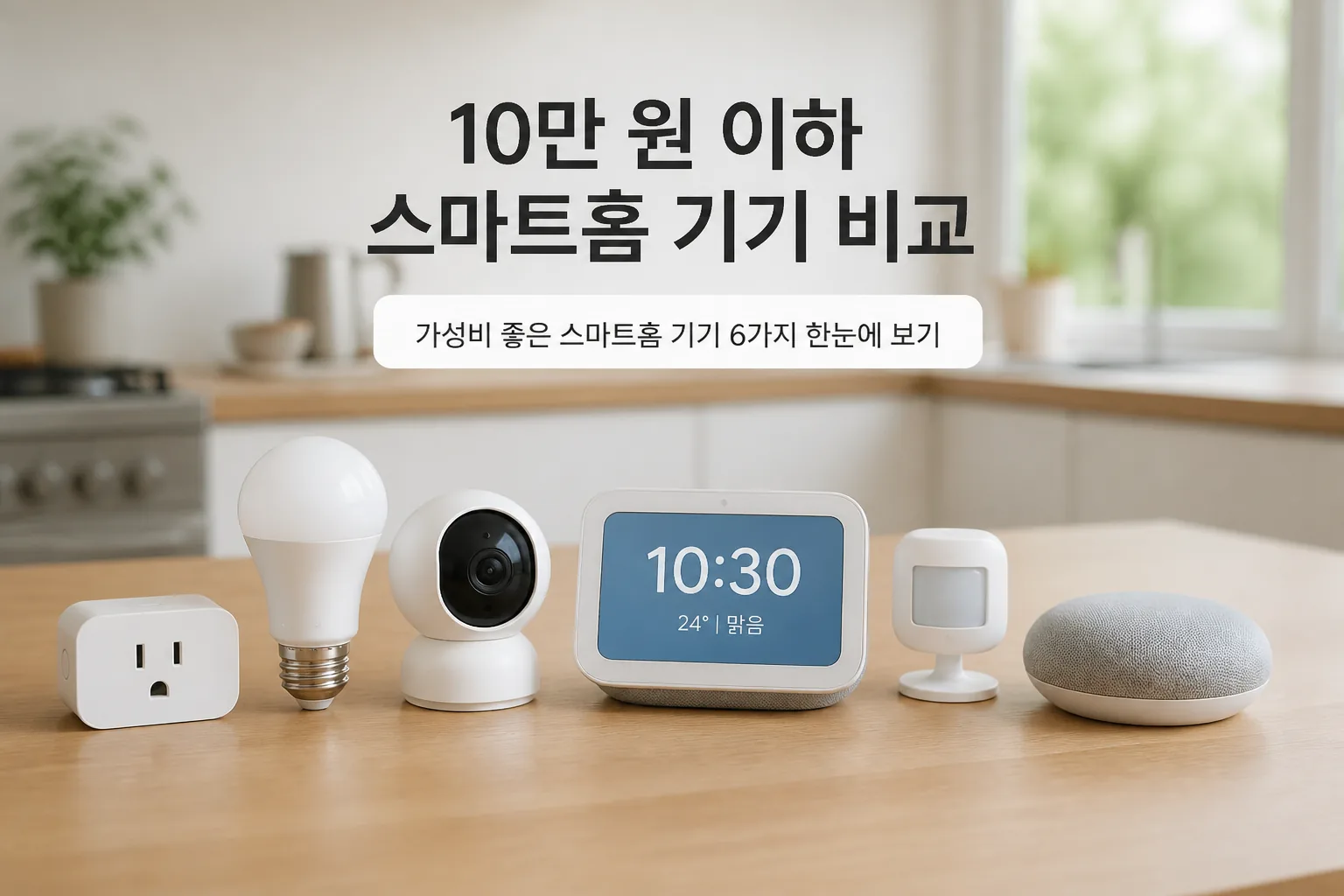
Quick recap:
- Indoor camera for live check-ins
- Door or window sensors for entry alerts
- Smart plugs for lights and routines
- Basic video doorbell for front-door visibility
The next question is where each one fits, because a beach condo and a suburban family home are not the same setup.
02 4 device types that cover the biggest security gaps
Start with the indoor camera. Models from Blink Mini, Wyze Cam, and TP-Link Tapo often land between $25 and $40, and that price band is hard to beat. A friend of mine uses one in his Arizona vacation home just to confirm the AC is running and nobody entered through the patio door. Simple. Useful. No drama.
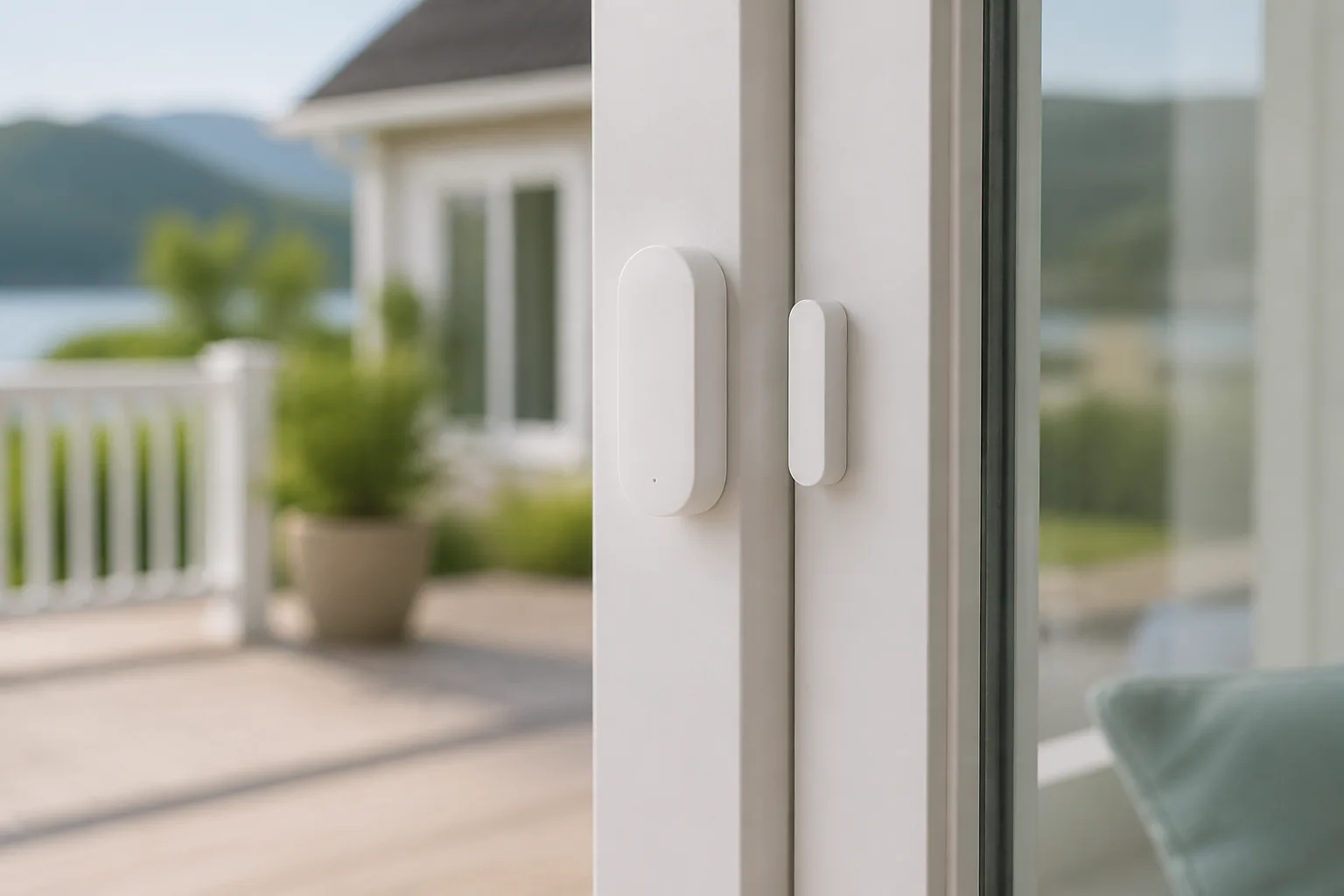
Door and window sensors usually cost $20 to $40 for starter packs. They’re less flashy than cameras, though honestly, they solve a more specific problem: Was a door opened at 2:14 a.m. or not? If Dad already has Alexa, Google Home, or Apple Home support in the house, those little sensors can carry more weight than people expect.
Smart plugs sit around $10 to $25 each, and they punch above their weight. Put one on a lamp, schedule it for 7:10 p.m., and an empty house suddenly looks lived in.
That’s not movie-level security, but burglars often avoid homes that seem occupied.
Then there’s the budget video doorbell, usually $60 to $99 on sale. Here’s the catch: some need existing doorbell wiring, and some push hard on subscriptions. That detail decides whether a bargain stays a bargain, and that’s where most shoppers get burned.
03 What nobody tells you about the real price
The shelf price is only half the story. A $29 camera with a $3.99 monthly plan costs about $77 in the first year. A $79 doorbell with a $6 monthly plan reaches $151 by month 12. That math changes the whole ranking.
| Device | Typical price | Common extra cost | Best use |
|---|---|---|---|
| Indoor camera | $25-$40 | Cloud storage | Checking rooms remotely |
| Sensor kit | $20-$40 | Hub in some systems | Entry alerts |
| Smart plug | $10-$25 | Usually none | Vacation lighting |
| Video doorbell | $60-$99 | Cloud plan, wiring | Package and porch view |
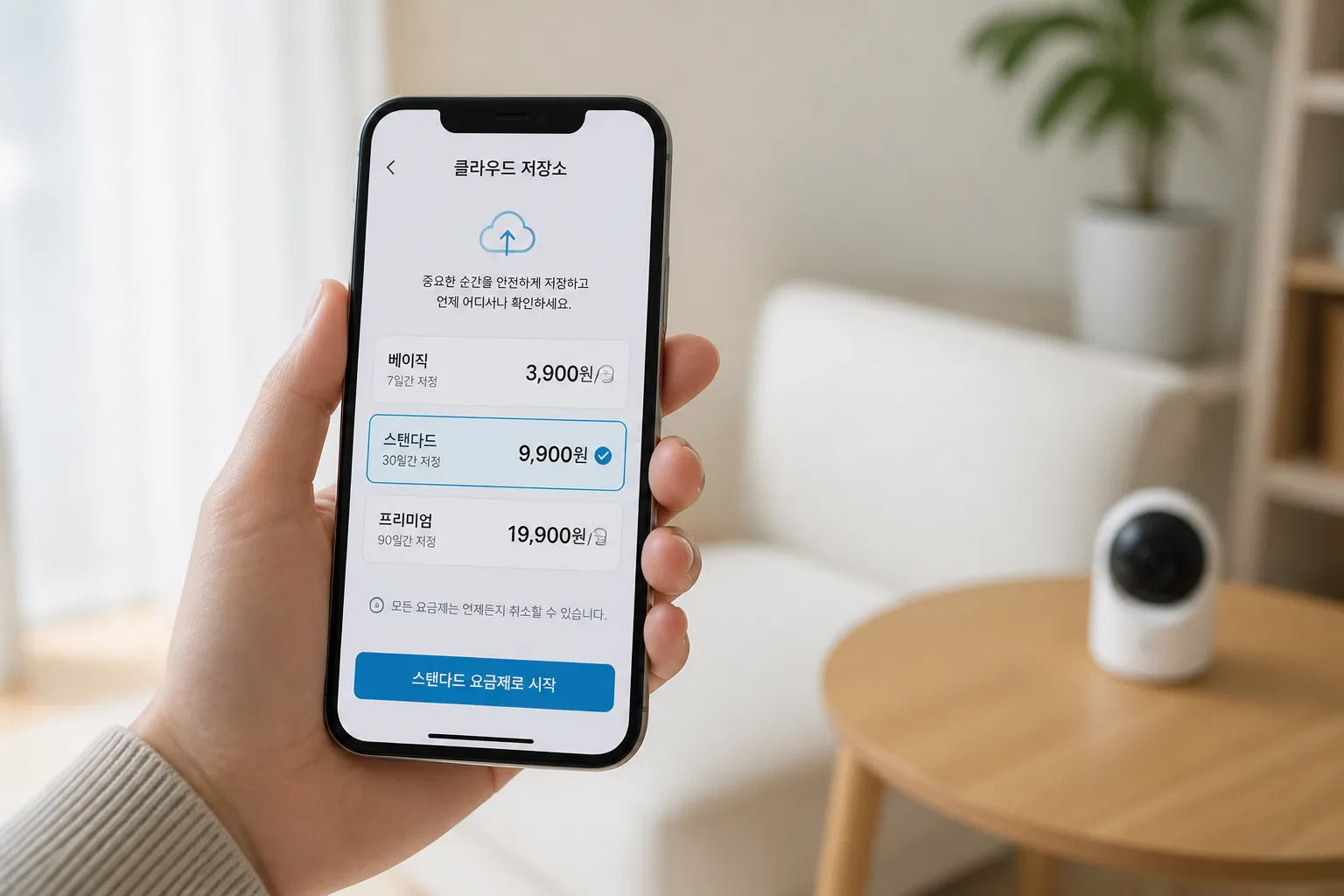
App quality matters more than one extra feature. If alerts arrive 3 minutes late, or clips take forever to load on weak hotel Wi-Fi, the device stops feeling smart pretty fast. I’d rather have a plain sensor with a clean app than a feature-packed camera that crashes twice a week.
That brings us to the buying moment most people are waiting for: Prime Day and Father’s Day sales.
04 Prime Day prep: buy the combo, not the hype
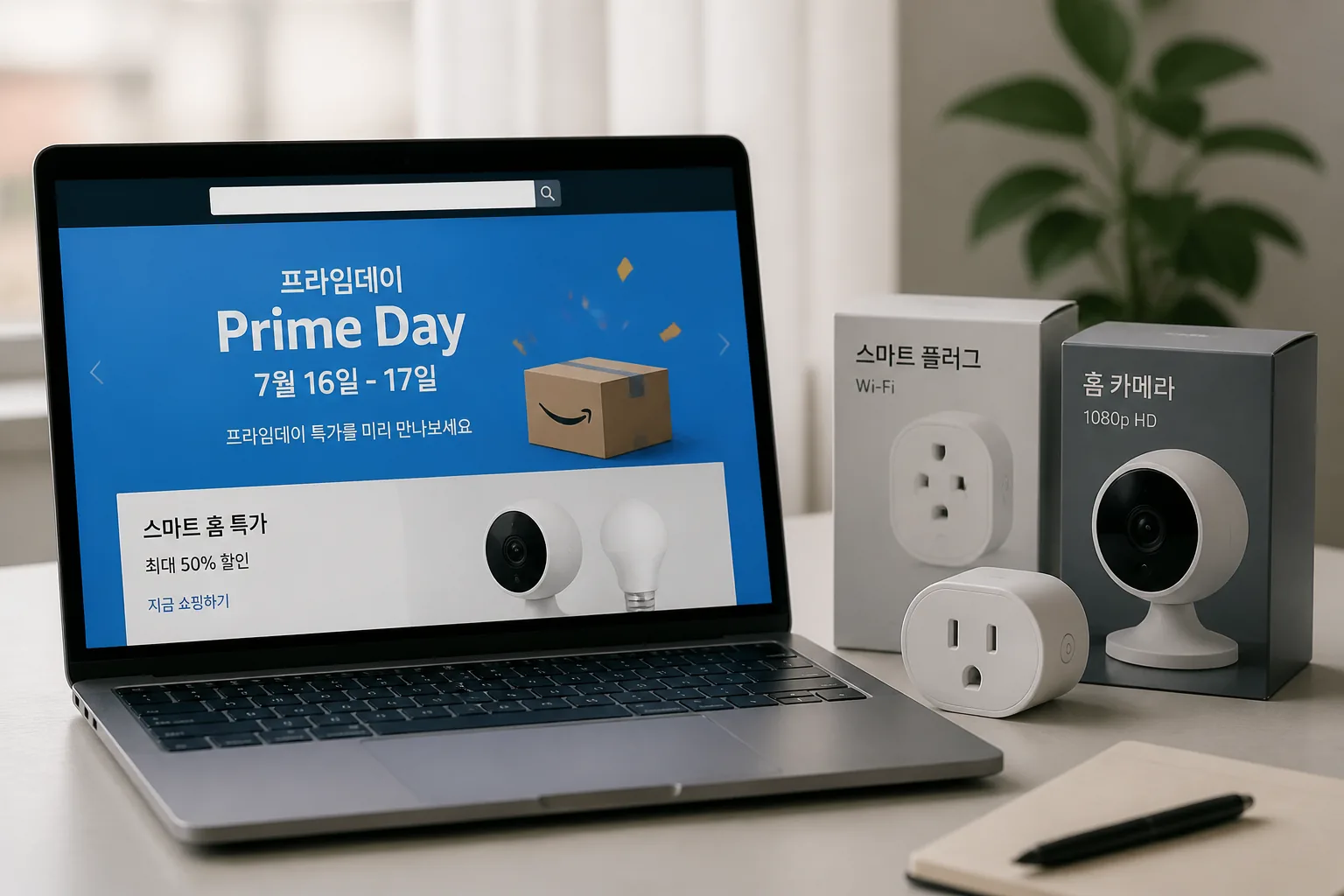
Prime Day deals can shave 20% to 45% off entry-level smart home gear, especially Amazon-owned brands and rival brands trying to keep pace. Last July, budget cameras and plugs were everywhere. The trick is not chasing the biggest discount. It’s building the right 2-device combo.
For a dad who loves practical gifts, I’d look at:
- Indoor camera + smart plug for a primary home
- Sensor kit + camera for a vacation place
- Doorbell + plug for porch monitoring and evening light schedules
The smartest $100 spend is usually two simple devices, not one “premium” gadget.
If you want broader buying advice before the sale hits, check
see our guide on Prime Day shopping tips
and
related: simple home security checklist for travelers
. One last piece matters here, and it’s the part that turns shopping into action.
05 The best move today, before summer travel starts
If you’re shopping for Father’s Day 2026, keep it practical. Pick one visible device and one routine-based device. That usually means a camera or doorbell plus a smart plug or sensor. Better coverage, less regret.
Here’s the short list for today:
- Check whether the home has stable 2.4GHz Wi‑Fi in the entryway.
- Set a hard budget of $100 total, including any first-year subscription.
- Choose gear Dad can install in 30 minutes or less.
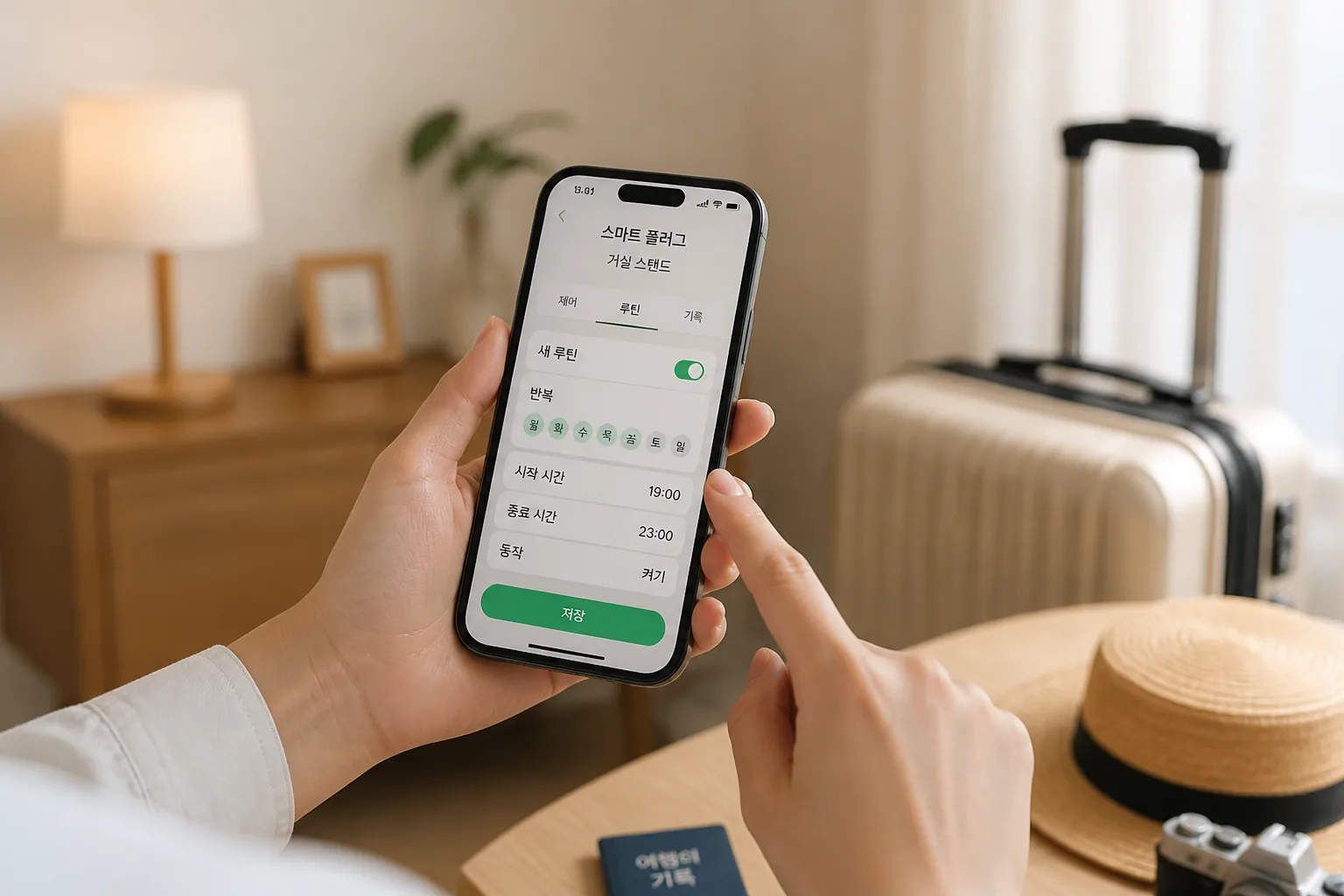
My honest take? The best budget security device is the one that gets used every week, not the one with the longest feature list. That’s the difference between a gadget and peace of mind. And once you see that clearly, the shopping gets much easier.