If you’re about to leave home for a summer trip, your camera setup suddenly feels a lot more important. A few June 2026 picks stand out fast once you compare price, alerts, and real peace of mind.
| Camera | Typical Price | Best For | Key Strength | Trade-Off |
|---|---|---|---|---|
| Google Nest Cam | $179-$199 | Google homes | Strong smart alerts | Cloud costs may apply |
| Arlo Pro | $199-$249 | Larger homes | Sharp video, flexible zones | Higher system cost |
| Ring Stick Up Cam | $99-$179 | Alexa users | Simple setup | Subscription adds up |
| Eufy SoloCam | $129-$199 | Lower recurring cost | Local storage appeal | Fewer advanced alerts |
| Wyze Cam | $36-$99 | Budget buyers | Low entry price | Less polished app/support |
01 A quick heads-up before you buy
Ever come back from a 7-day beach trip and wonder whether the porch stayed quiet the whole time? That question gets expensive fast. One missed package, one false alert at 2:13 a.m., or one camera that drops Wi-Fi during a thunderstorm can ruin the whole point.
If this article includes products that may later appear with affiliate links, treat that as a standard commerce disclosure. The goal here is simpler: help you narrow the field without the usual blog fog. For June 2026, five names keep showing up for good reason: Google Nest Cam, Arlo Pro, Ring Stick Up Cam, Eufy SoloCam, and Wyze Cam. I’ve found the best choice usually comes down to three boring details people skip: storage fees, alert accuracy, and setup time.
Read more about smart home setup basics
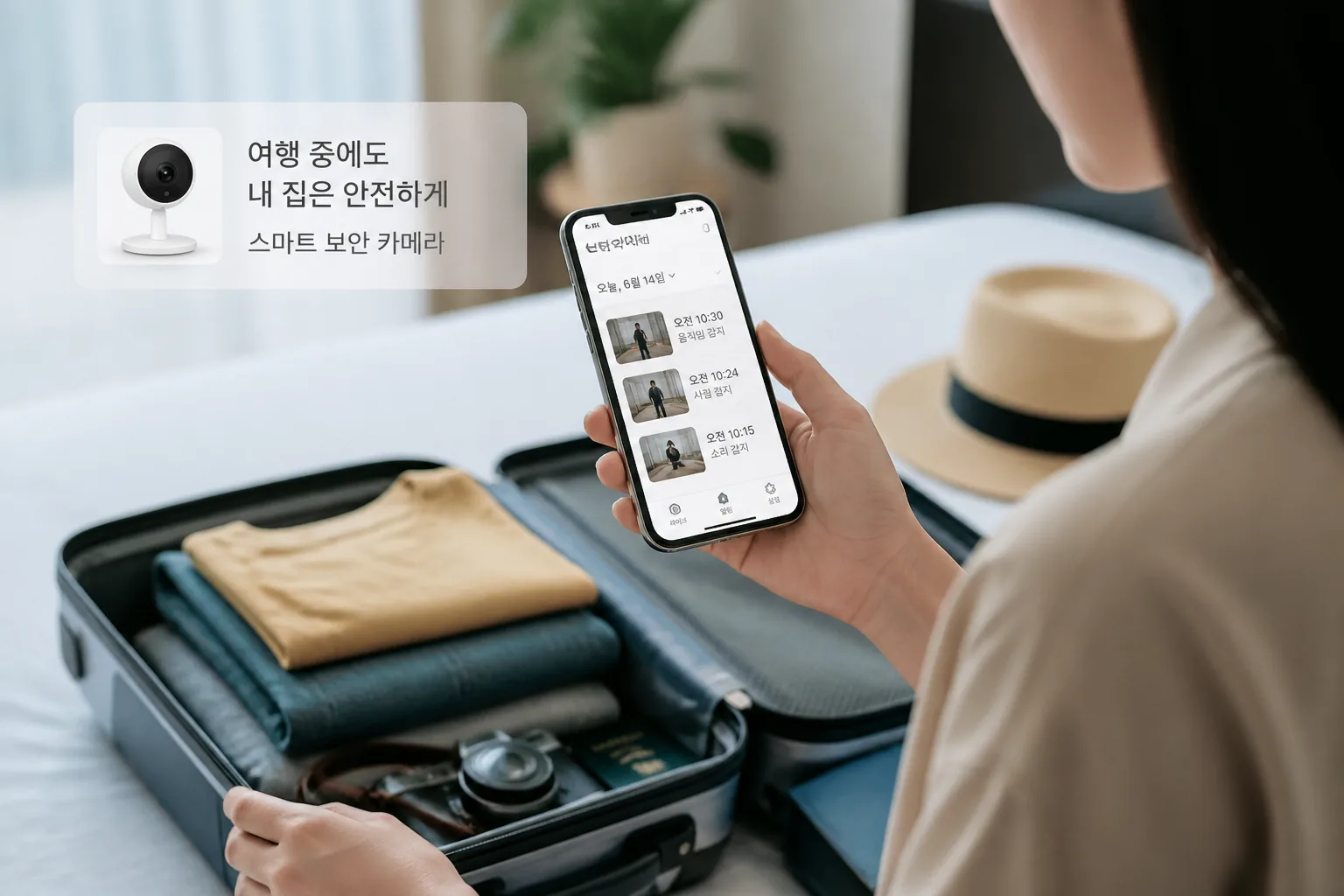
A great camera is not the one with the biggest spec sheet. It’s the one you still trust on day 6 of your vacation.
Before the shortlist, one thing matters more than 4K marketing: what happens after the camera records something. That’s where the real separation starts.
02 The 5-camera shortlist that actually makes sense
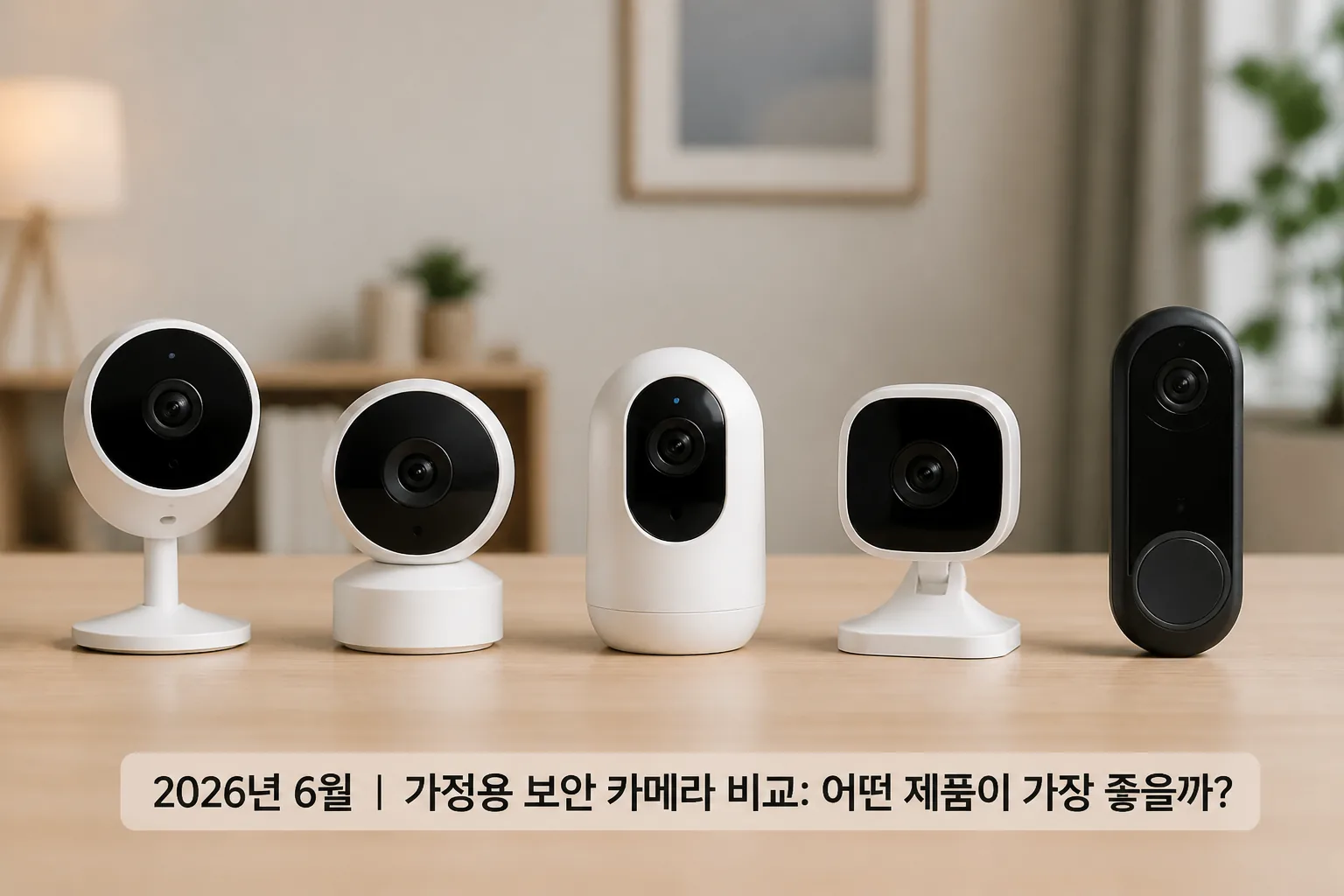
Quick recap: most shoppers want clear video, decent night vision, easy app controls, and a monthly bill that doesn’t feel sneaky.
- Google Nest Cam — strong app experience, solid person/package alerts, best for Google households.
- Arlo Pro — sharp image quality and flexible zones, best for larger homes.
- Ring Stick Up Cam — simple ecosystem, easy for Alexa users, subscription costs add up.
- Eufy SoloCam — local storage appeal, fewer recurring fees, privacy-minded buyers like this one.
- Wyze Cam — low upfront cost, surprisingly capable, but support and polish can feel hit-or-miss.
| Camera | Typical Price | Best Use | Catch |
|---|---|---|---|
| Nest Cam | $179-$199 | Vacation monitoring | Cloud features may cost extra |
| Arlo Pro | $199-$249 | Larger properties | Higher total system cost |
| Ring Stick Up | $99-$179 | Alexa homes | Subscription often needed |
| Eufy SoloCam | $129-$199 | No monthly fee shoppers | Fewer advanced smart alerts |
| Wyze Cam | $36-$99 | Budget setups | More compromises in app polish |
Honestly, this is where Father’s Day and Prime Day overlap nicely. A $99 camera feels giftable. A 3-camera system at $450 feels like a household project. That difference matters more than people admit, and the next piece is where insurance enters the picture.
03 What nobody tells you about insurance discounts
A camera might help with insurance, but don’t buy one assuming a guaranteed premium cut. Some insurers offer discounts for monitored security systems, while standalone cameras often count less, or not at all. I’ve seen shoppers expect 15% off and get $0 because the device wasn’t professionally monitored. Brutal.
Call your insurer before checkout. Ask 3 plain questions:
- Do you recognize self-monitored cameras?
- Does a video doorbell count?
- Do I need 24/7 professional monitoring for any discount?

A friend in Tampa bought a pair of cameras before hurricane season, hoping for savings. The insurer only credited monitored alarm service, not the cameras. The cameras still helped with package theft risk, sure, but the math changed overnight. And that brings us to the buying moment that can save real money.
04 Prime Day timing, Father’s Day gifting, and the smarter buy
June shopping has two lanes. Need it before a trip? Buy now. Shopping for Father’s Day or waiting for Prime Day? You can gamble a little.
Historically, camera discounts cluster around Father’s Day bundles in mid-June and larger Prime Day markdowns in July. Ring and Blink often lean hard into bundle pricing. Google and Arlo tend to discount starter kits instead of single units. Eufy and Wyze can undercut everyone on entry price, which looks great until you compare app features side by side.
See our guide on Prime Day shopping strategy →

The cheapest camera on sale can become the most expensive one in your house after 12 months of subscriptions.
If I were buying today for a 10-day July trip, I’d rank them by scenario, not hype:
- Best for easiest setup: Ring
- Best for balanced quality: Nest
- Best for bigger homes: Arlo
- Best for lower long-term cost: Eufy
- Best for tight budgets: Wyze
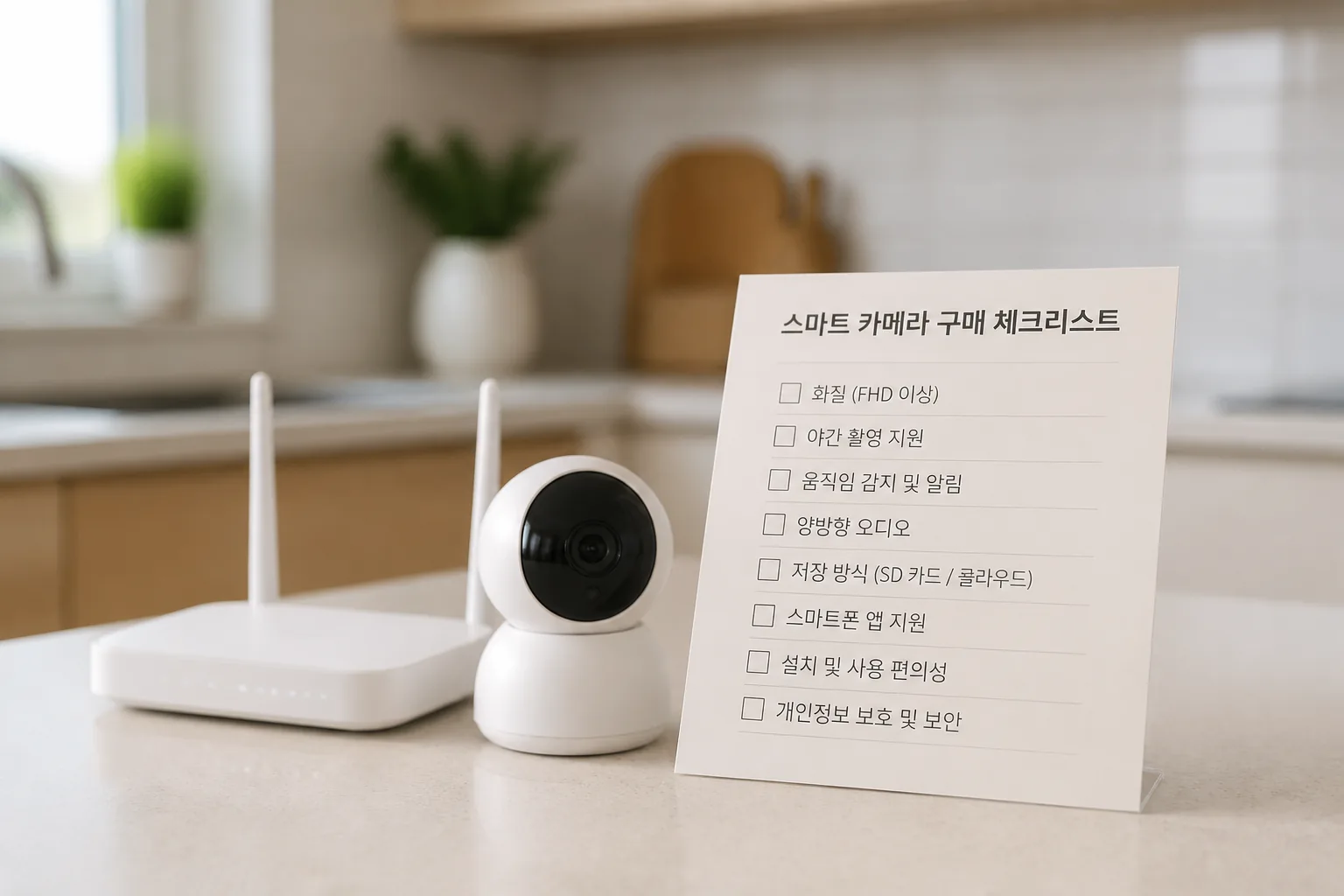
That sounds tidy, but your final choice should come down to one last checklist.
05 Buy with this 10-minute checklist
Here’s the short version. Pick the camera that matches your house, your phone habits, and your tolerance for monthly fees.
Do these 3 things today:
- Check your Wi-Fi strength at the front door, driveway, and backyard.
- Call your insurer and ask about monitored vs. self-monitored discounts.
- Price the camera for 12 months, not 1 day: hardware + storage + extra batteries.
Related: home Wi-Fi fixes for smart devices
If you want one clean takeaway, remember this: good alerts beat flashy resolution. A reliable 1080p clip that reaches your phone in 4 seconds is more useful than a gorgeous 2K video you never see in time. That’s the buying lens worth keeping all summer long.