If your money seems to vanish between paychecks, the app you choose matters more than you think. A few make budgeting easier. Plenty just add noise.
| App | Price | Best For | Standout Feature | Main Drawback |
|---|---|---|---|---|
| Rocket Money | Free; premium optional | Subscription tracking | Bill and recurring charge visibility | Some advanced tools require payment |
| YNAB | $14.99/month | Zero-based budgeting | Strong planning workflow | Takes time to learn |
| Monarch Money | $14.99/month | Couples and families | Shared dashboard and goals | No permanent free tier |
| Goodbudget | Free; paid tier available | Envelope budgeting | Manual control by category | Less automation |
| PocketGuard | Free; paid tier available | Simple spending limits | "In my pocket" spending view | Lighter reporting depth |
| EveryDollar | Free; premium optional | Paycheck planning | Straightforward monthly budget setup | Full sync may cost extra |
| Empower Personal Dashboard | Free | Net worth tracking | Investment and cash-flow overview | Budgeting tools feel basic |
01 Start here: the best app depends on your money habits
Ever download a budgeting app at 9 p.m., link two bank accounts, and quit by 9:17? I have. That usually happens when the app fights your habits instead of fitting them.
For this budgeting apps review, the short version is simple: free trackers work well for people who want visibility, while paid tools often earn their keep with automation, goal planning, or zero-based budgeting.
Read more about personal finance basics
If you already miss spreadsheets by week 2, a cleaner app can save real time.
The best budgeting app is not the one with the most features. It's the one you'll still open on the 15th of next month.
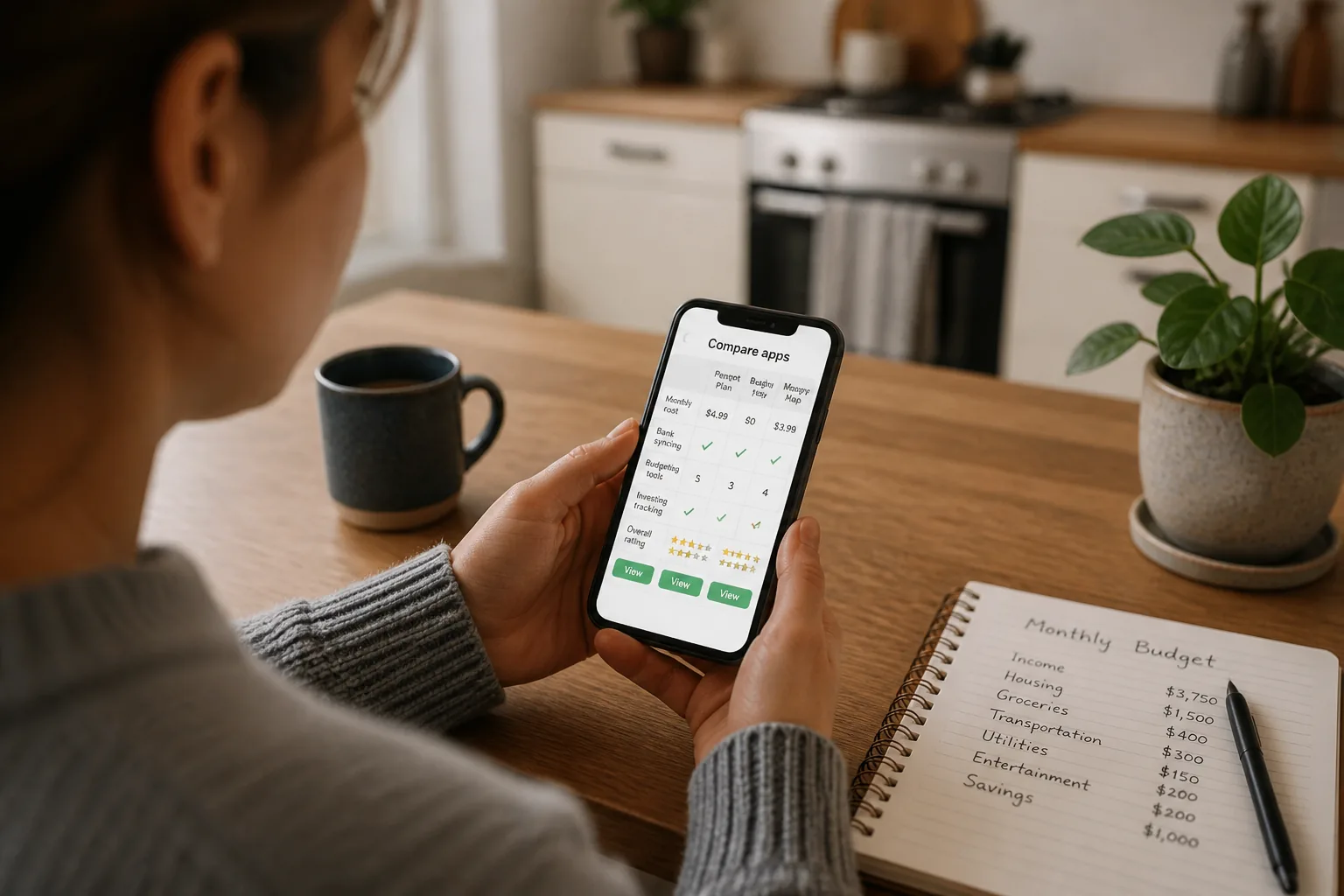
A friend of mine in Austin tried three apps in 2024 and kept only one. Why? The first looked pretty but hid bill dates. The second pushed premium upgrades every few taps. The third showed cash flow in under 30 seconds. That speed matters more than flashy charts, and the pricing differences make the gap even clearer.
02 7 picks that cover almost every style
Quick comparison:
| App | Typical cost | Best for | Watch out for |
|---|---|---|---|
| Rocket Money | Free; premium optional | Bill tracking, subscriptions | Some features sit behind paid tiers |
| YNAB | About $14.99/month | Zero-based budgeting | Steeper learning curve |
| Monarch Money | About $14.99/month | Couples, dashboards, planning | No permanent free tier |
| Goodbudget | Free; paid tier available | Envelope budgeting | More manual entry |
| PocketGuard | Free; paid tier available | Simple spend limits | Less detailed than power-user tools |
| EveryDollar | Free; premium optional | Dave Ramsey-style budgeting | Bank sync may require paid plan |
| Empower Personal Dashboard | Free | Net worth and investing view | Budgeting tools feel lighter |
When I tested apps like YNAB and Monarch, the split felt obvious. YNAB is for people who want a job for every dollar. Monarch feels more like a command center. Rocket Money and PocketGuard are easier on day 1, especially if your real problem is subscription creep or overspending on takeout.
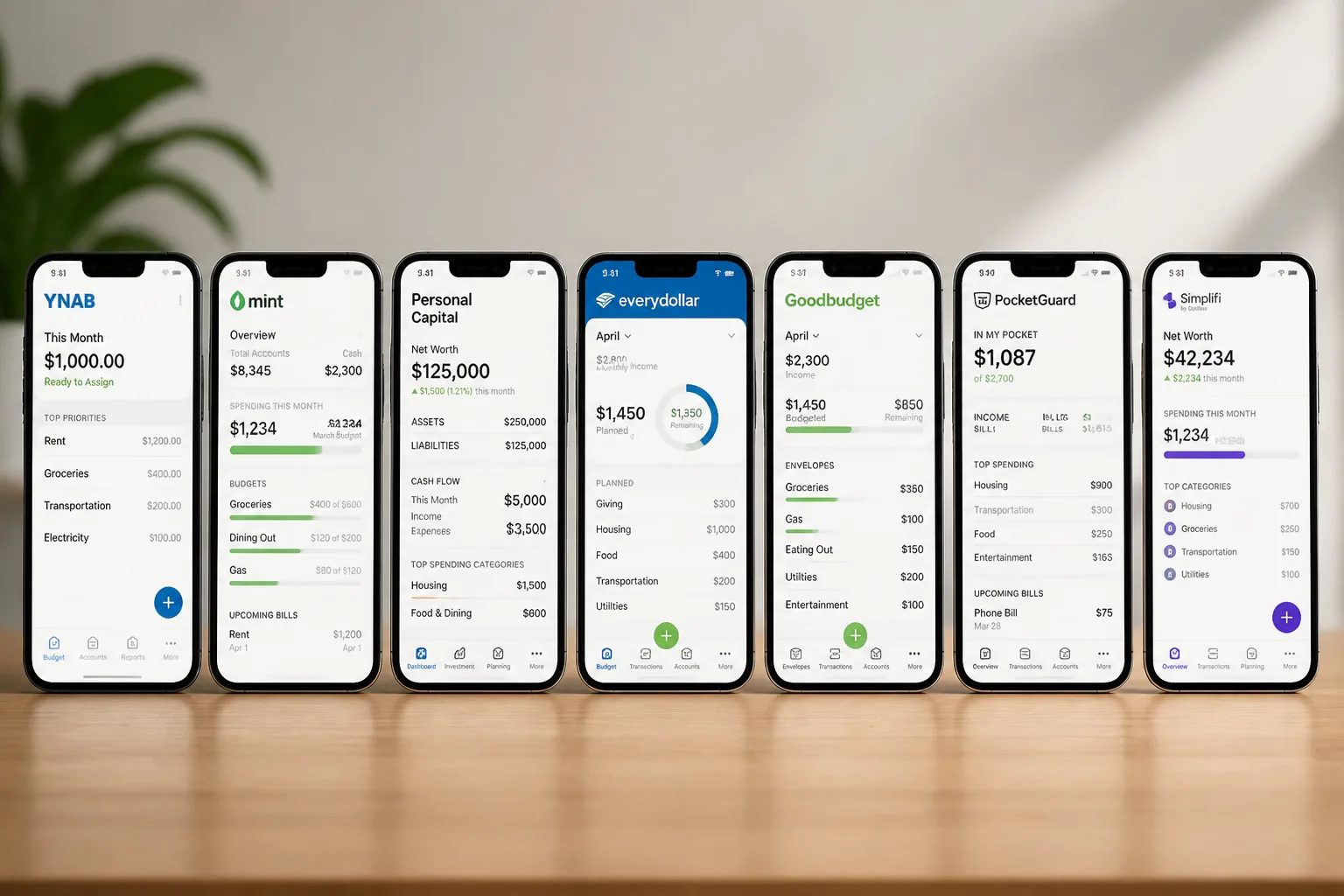
That sounds tidy, but price alone misses the biggest mistake readers make next.
03 What nobody tells you about free vs paid
Free apps are great at one thing: showing where money went. Paid apps usually help decide where money should go before the month starts. That’s a huge difference.
Take two households earning $4,500 a month. One uses a free tracker and notices dining-out hit $620 in April. Helpful, sure. The other uses a paid planner and caps dining at $350 before the month begins. Same income, different behavior. Like setting an alarm versus hitting snooze three times.
A budgeting app can organize your money, but it can't make decisions you keep avoiding.
See our guide on building an emergency fund
If you’re wondering which features deserve your money and which ones are fluff, that’s where the smart shortlist begins.
04 Three features worth paying for
Here’s what matters after the first 30 days, when the honeymoon period ends.
- Reliable account syncing. If transactions lag 48 hours, people stop trusting the app.
- Custom categories and goals. Saving for a $1,200 car repair fund feels different from a vague "savings" line.
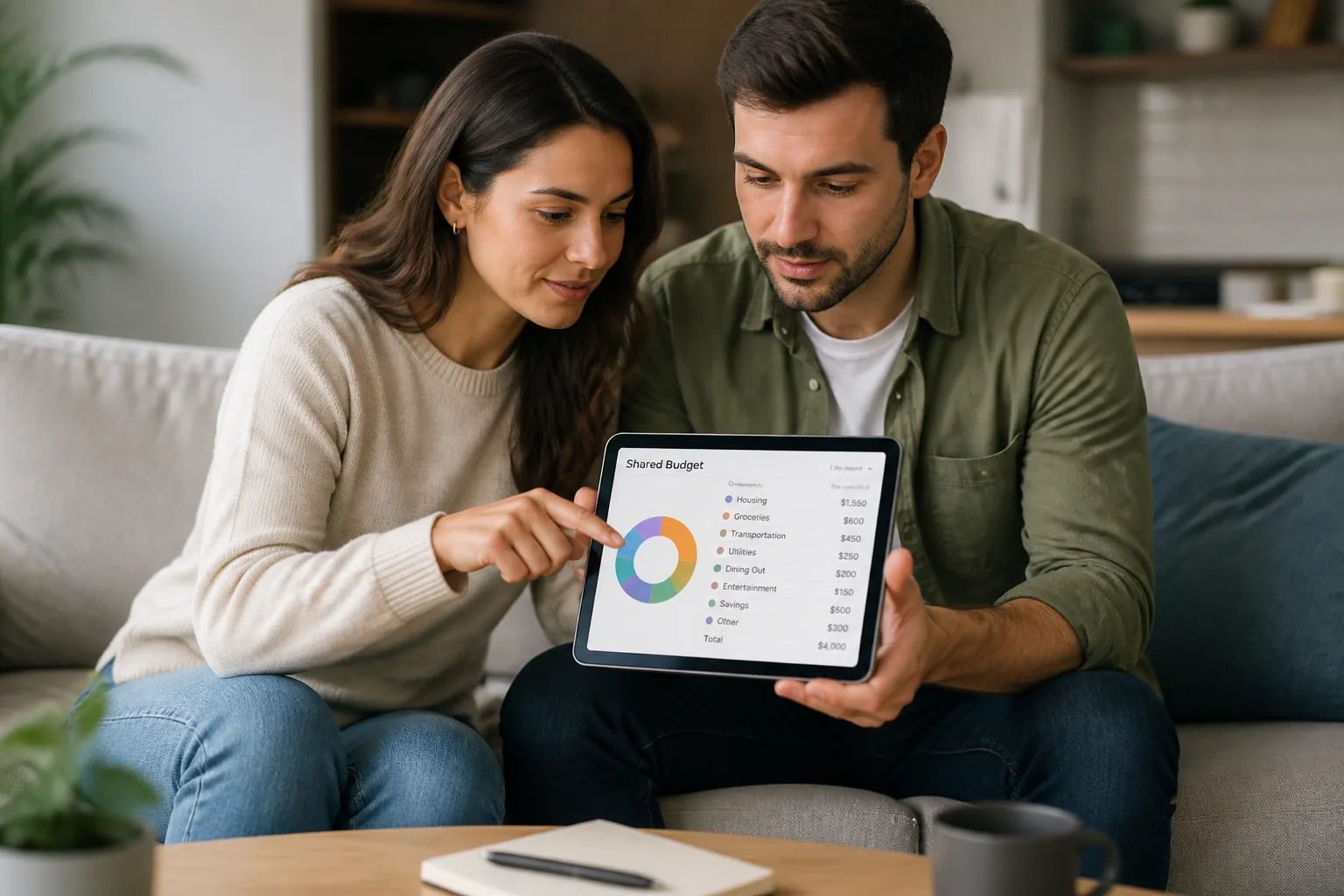
- Household collaboration. Couples need shared visibility, not two competing spreadsheets.
Quick recap:
- Pick YNAB or Goodbudget for hands-on planning
- Pick Monarch for shared household oversight
- Pick Rocket Money or PocketGuard for lighter tracking
- Pick Empower if investments matter as much as groceries
Honestly, the biggest surprise for me was how much friction matters. One extra login, one broken sync, one confusing chart, and people bail.
Related: credit card comparison for everyday spending
The app that feels easiest often wins long term, even if it has fewer bells and whistles.
That leaves one practical question: what should you do today, before another month slips by?
05 My practical shortlist for 2025
If you want the safest starting point, do this.
- Choose one app style: tracker, zero-based, or envelope.
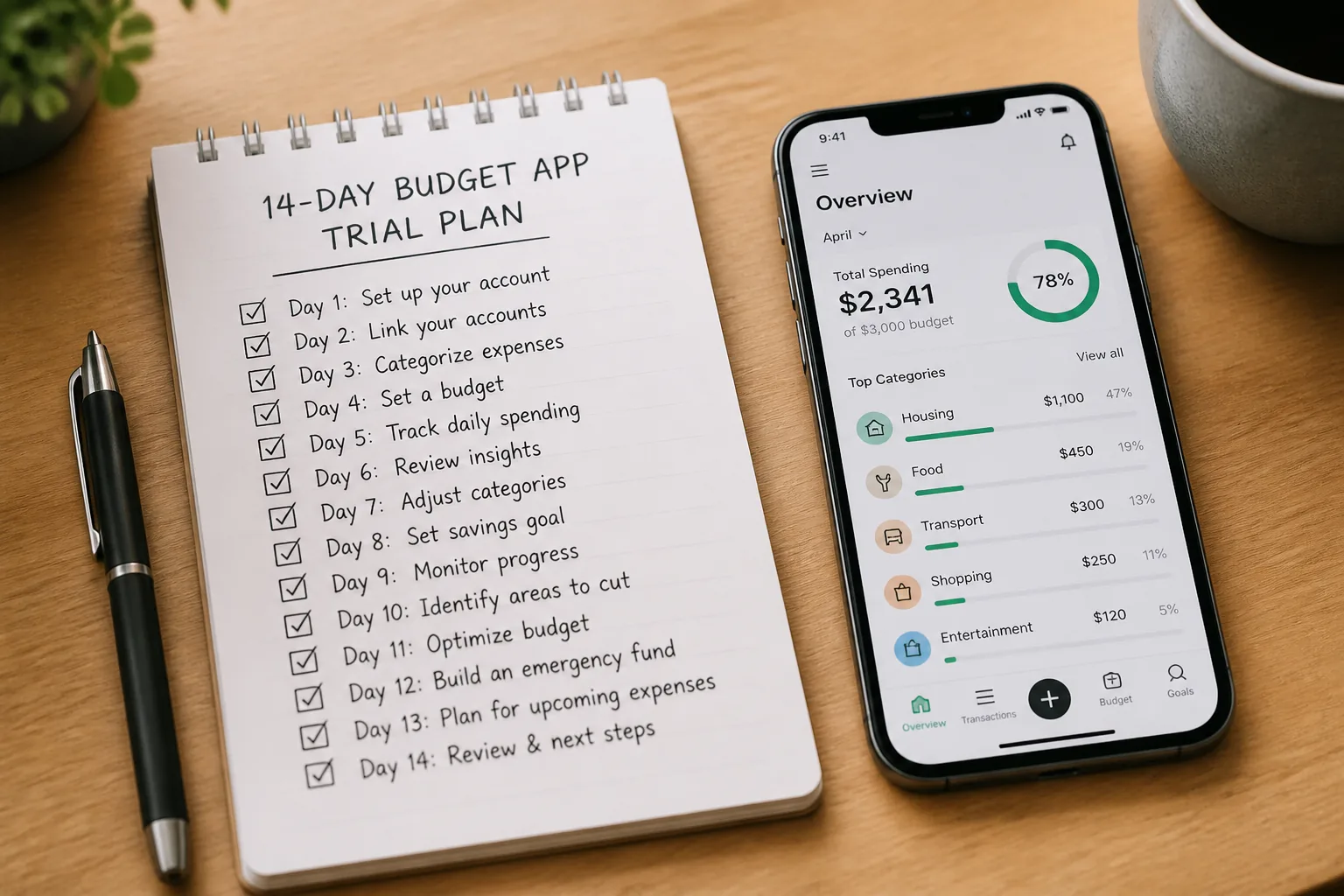
- Test it for 14 days, not 2.
- Judge it on 3 things only: sync speed, category clarity, and whether you open it without groaning.
If you’re brand new, start free. If you’re carrying credit card balances or missing bill dates, a paid app may be cheap insurance at $8 to $15 a month. That’s often less than one forgotten subscription.
Good budgeting apps don't just report your money story. They help you edit it.
Three-line summary: free apps track, paid apps plan, and the right pick matches your habits. The wrong app gets ignored by week 3. The right one quietly saves money all year.