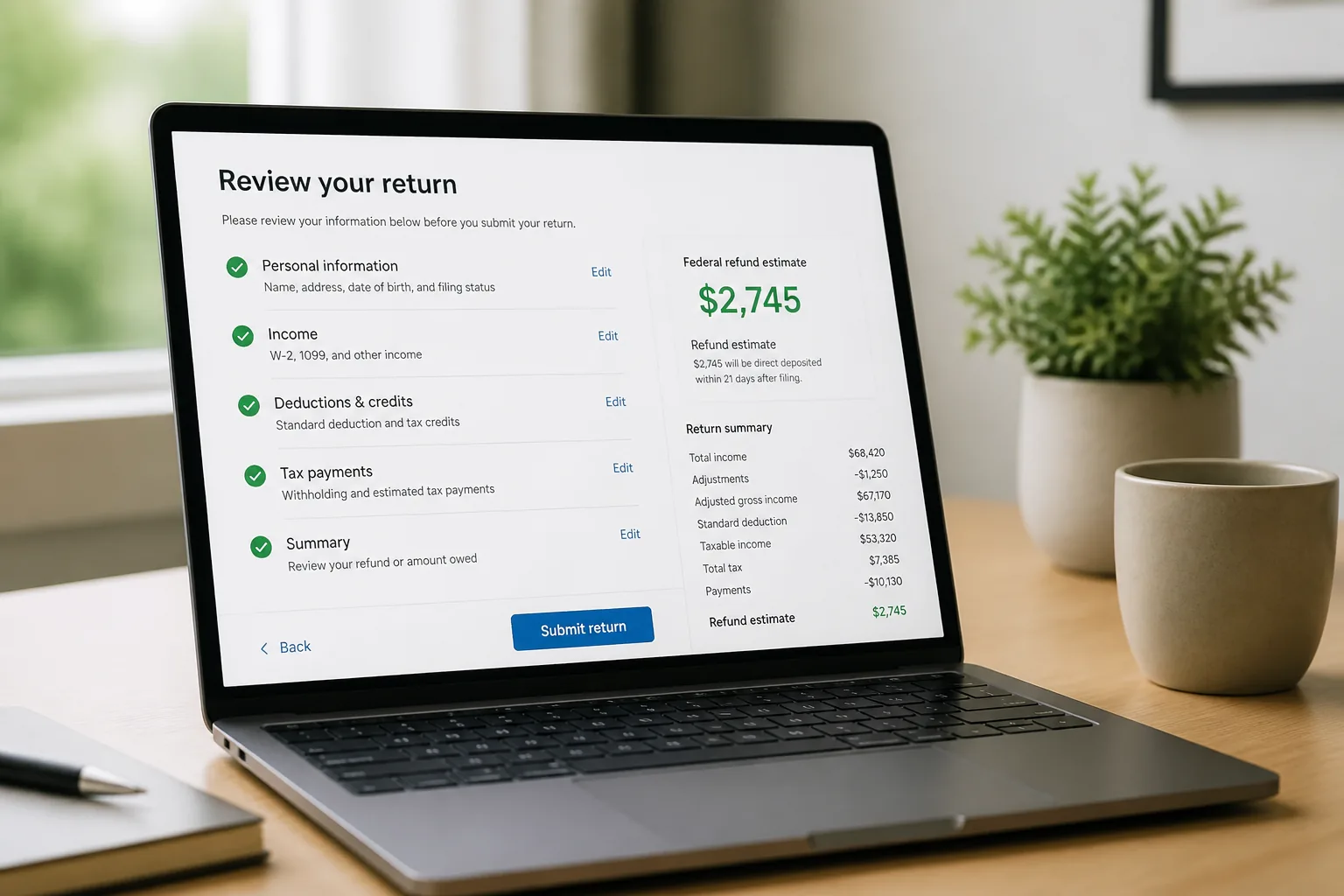
Stuck between tax tools that all promise the same thing? A closer review shows which software actually saves time, cuts confusion, and feels worth the price.
| Software | Typical Price | Best For | Key Strength | Main Drawback |
|---|---|---|---|---|
| TurboTax | $0-$129 | Guided filers | Strong interview flow | Higher upgrade pressure |
| H&R Block | $0-$89+ | People wanting backup | In-person option available | State fees can stack up |
| TaxAct | $0-$95 | Value-focused users | Broad form support | Less polished experience |
| FreeTaxUSA | $0-$15 | Budget-minded filers | Very low federal/state pricing | Less hand-holding |
| Cash App Taxes | $0 | Very simple returns | No filing fee | Support depth is lighter |
01 The “free return” trap is real
Ever start a tax return thinking it’ll cost $0, then hit a paywall 40 minutes later? That happens more than people admit, and honestly, I’ve seen it myself with a simple W-2 return that turned pricey the moment state filing and a small investment form showed up.
This tax filing software review is built for that exact moment. You want clear trade-offs, real pricing ranges, and a fast read on who each tool fits. If you’re comparing money apps more broadly,
read more about budgeting and tax tools that work together
.
The cheapest option on the landing page often stops being the cheapest once your forms change.

TL;DR
- Free tiers usually work best for basic W-2 filers only.
- Expect about $0 to $130 for federal, plus $0 to $65 per state.
- Freelancers and investors need form coverage before they chase price.
- Audit help, live support, and state fees can change the total fast.
02 5 picks worth checking before you file
Here’s the short list:
| Software | Typical federal price | Best for | Watch-out |
|---|---|---|---|
| TurboTax | $0-$129 | Guided experience | Higher upgrade pressure |
| H&R Block | $0-$89+ | In-person backup | State fees add up |
| TaxAct | $0-$95 | Value shoppers | Interface feels less polished |
| FreeTaxUSA | $0-$15 | Budget filers | Limited hand-holding |
| Cash App Taxes | $0 | Very simple returns | Narrower support experience |
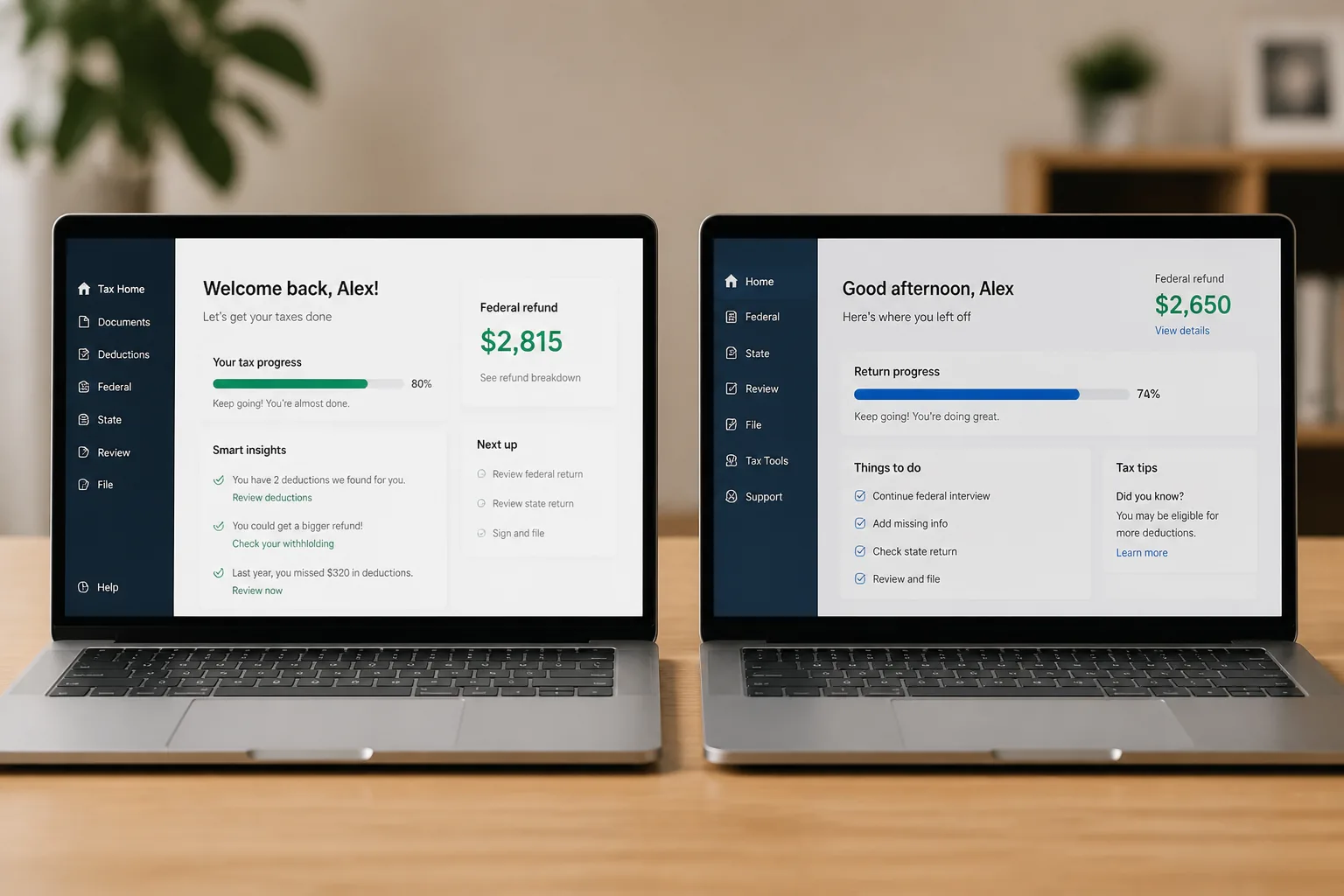
TurboTax usually wins on ease. The interview flow is smooth, and first-time filers often like that. The catch? A Schedule C, rental property, or brokerage statement can push you into a paid tier quickly.
H&R Block feels like the middle ground. Better hand-holding than bargain tools, and some people like knowing a storefront exists 10 minutes away. A neighbor of mine in Chicago used it after a messy home-sale year. That safety net mattered.
FreeTaxUSA keeps getting attention for one reason: price. Federal filing is often free, and state returns are usually low-cost. But here’s the thing: if you want a polished, reassuring experience, it can feel bare-bones. Next up, the forms matter even more than the logo.
03 What nobody tells you about forms, support, and state fees
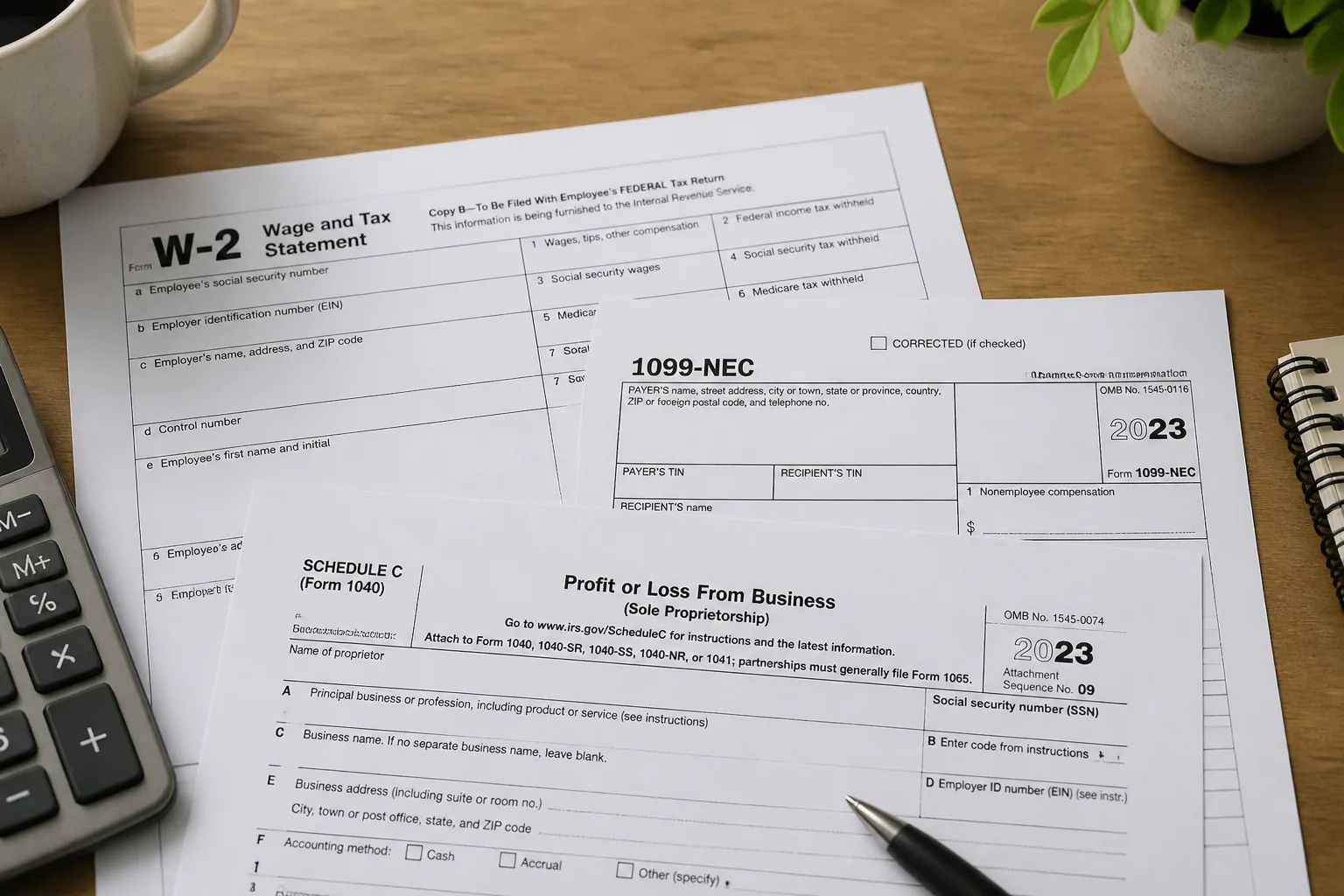
A basic filer with one W-2, no itemizing, and one state return can often stay in the low-cost lane. A freelancer with a 1099-NEC, mileage deductions, and quarterly estimates? Totally different story. Same goes for investors with 1099-B forms or homeowners claiming mortgage interest.
Three things to check before you start:
- Form coverage: Schedule C, D, E, K-1, and depreciation
- Support level: chat, CPA/EA access, or audit guidance
- Final checkout price: federal + state + add-ons
Good tax software doesn’t just file forms. It helps you avoid missing one expensive detail.
Quick recap: simple returns reward low prices; complex returns reward better guidance. That sounds obvious, sure, but a lot of people still shop backward. So how do you pick without wasting a Saturday?
04 Match the software to your tax life
If your return looks like one W-2 and a student loan interest form, start with FreeTaxUSA, Cash App Taxes, or a basic H&R Block tier. If you sold stocks, own a home, or freelance on the side, look harder at TurboTax, H&R Block, or TaxAct because the interview flow and import tools can save real time.
When I’ve compared these side by side, one pattern keeps showing up: people overvalue flashy design and undervalue error checks, import support, and plain-English prompts. That’s like buying a suitcase for the color and ignoring the broken wheels. Bad move.

For related money decisions,
see our guide on comparing fees and rewards
and
related: investment basics for first-time investors
. The last step is making today’s choice easy.
05 My practical take before you hit file
Three-line summary:
- Best value: FreeTaxUSA for many cost-conscious filers.
- Best guided experience: TurboTax for people who want strong prompts.
- Best hybrid option: H&R Block if human backup helps you sleep better.
No single winner fits every return. That’s the honest answer. A teacher with one W-2 and a renter’s credit doesn’t need the same software as a self-employed designer juggling 1099s, estimated taxes, and a home office.
Do these 3 things today:
- Pull last year’s return and circle every form name.
- Price your top 2 tools using federal + state + support.
- Start the return in one free product before paying anywhere.
The best tax software is the one that covers your forms, shows the real price early, and doesn’t make April harder than it already is.